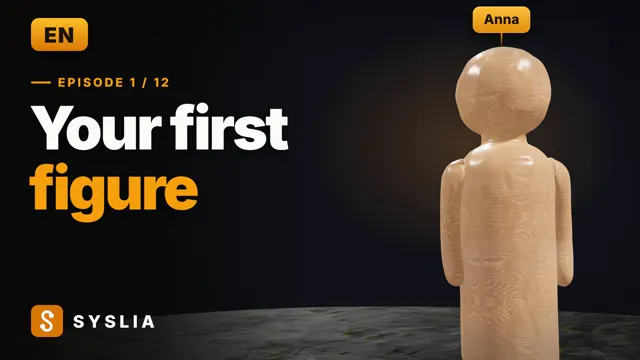
 Episode 14:58
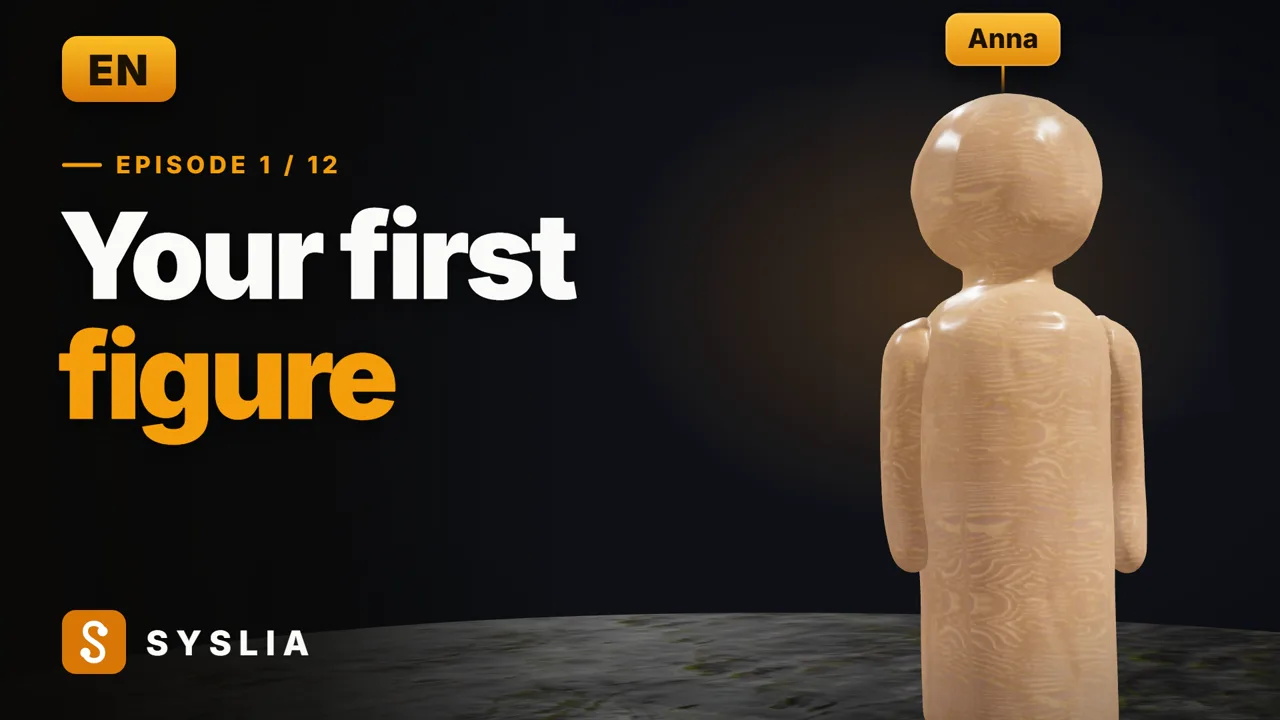
Your first figure
- recognize the board and its bars
- add, name and remove a figure
- work faster with the quick bar and keys
In 12 short episodes you learn step by step how to work with the digital 3D constellation board SYSLIA: first figure, moving figures, ego view, saving, PDF and live sessions. Each episode takes a few minutes and shows mouse, keyboard and touch.
When you play a video, your browser connects to YouTube (Google). No data is sent to YouTube before that. More in the privacy policy.
Your first figure: step by step in the digital 3D constellation board SYSLIA.
All episodes have subtitles in seven languages (German, English, Spanish, Portuguese, French, Ukrainian, Russian); turn them on with the subtitles icon on YouTube.
When you play a video, your browser connects to YouTube (Google). No data is sent to YouTube before that. More in the privacy policy.
Episode 14:58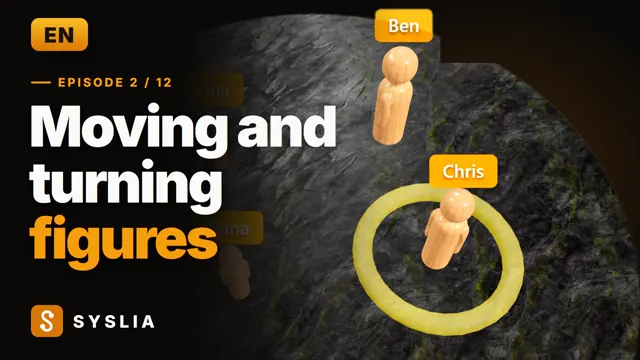 Episode 24:12
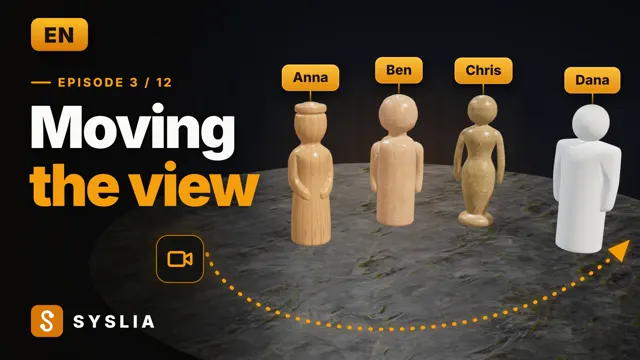 Episode 34:05
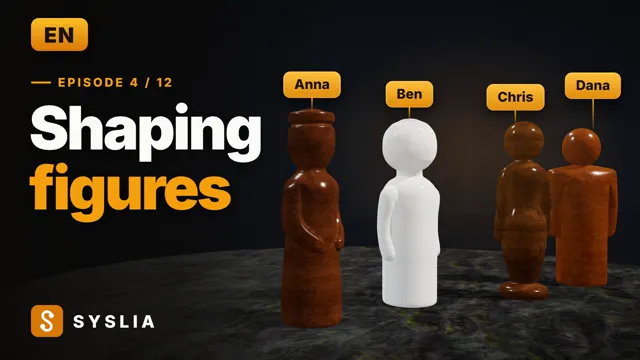 Episode 46:03
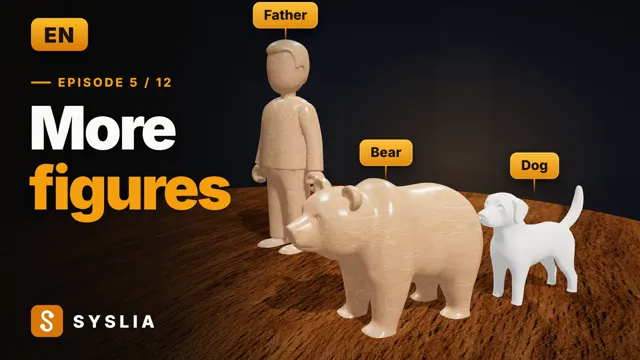 Episode 54:48
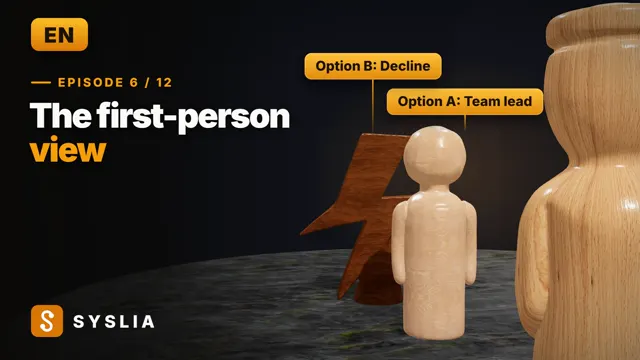 Episode 64:32
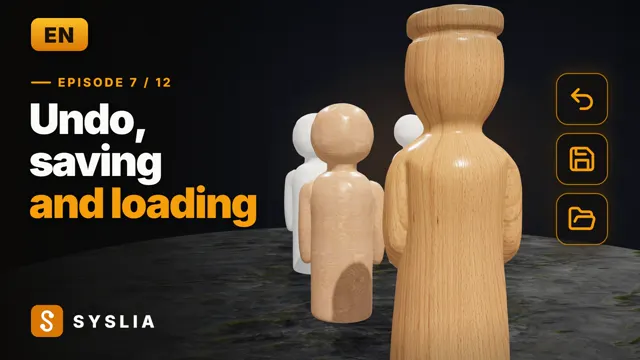 Episode 73:55
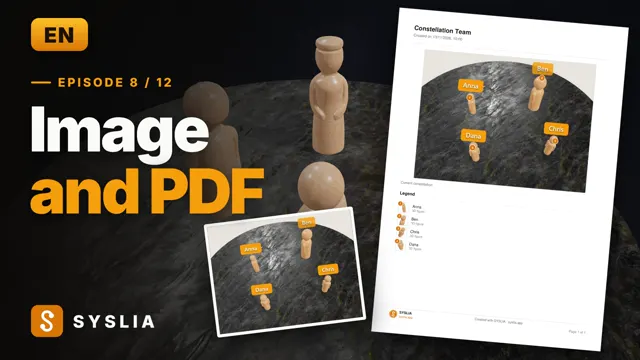 Episode 83:01
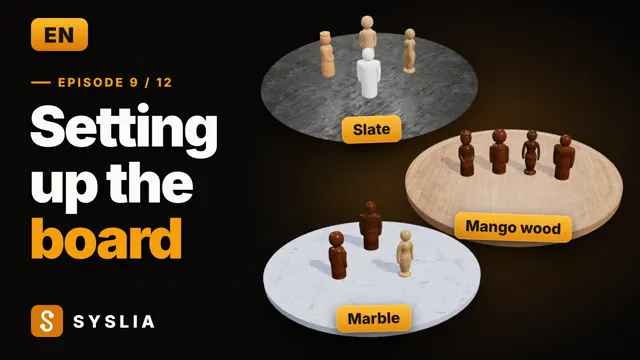 Episode 95:07
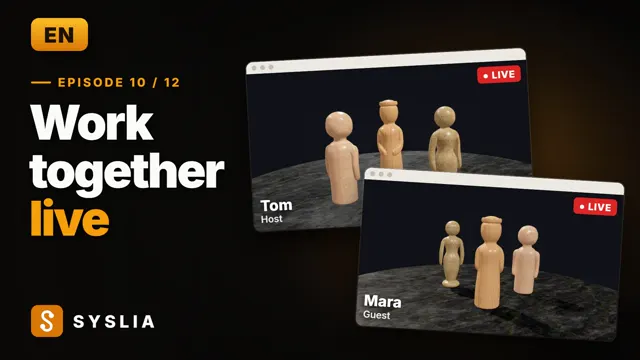 Episode 107:06
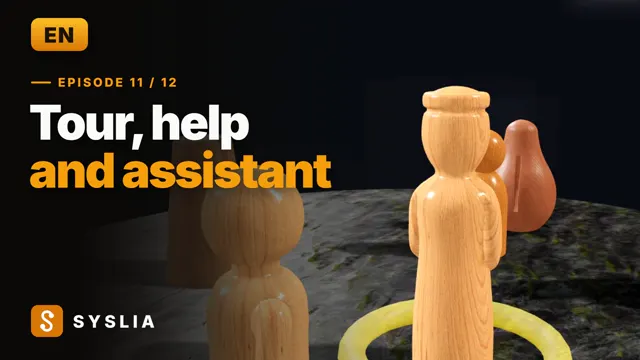 Episode 114:26
 Episode 123:36
Short films without instructions: they show what systemic constellations look like on the digital constellation board.
 0:32
SYSLIA is the digital constellation board for supervision, coaching and therapy: run systemic constellations online with 3D figures, the ego view and shared live sessions, in your browser and from anywhere Watch on this website
 3:02
SYSLIA is the digital 3D constellation board for coaches, therapists, supervisors and consultants. The video shows step by step, using a fictional example (“Should I take over the team leadership?”): placing figures, making closeness and line of sight visible, the ego view, obstacles and resources, saving variants and capturing them as an image or PDF, choosing material, colour and board, working by touch and working online
 3:17
Seven short, entirely fictional stories from seven fields of work, set up on SYSLIA, the digital 3D constellation board: organization, team, Inner Team, animals, daycare, family and youth services
Start for free, place figures and follow the episodes right away.